
Sanyo PLC-UF15 Multimedia Projector Owner's Manual

This manual is the user manual of PLC-UF15 multimedia projector from Panasonic. It provides the basic functions and operation methods of the product.
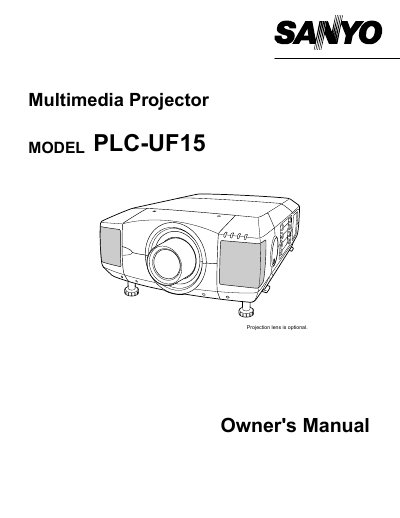

Sanyo PLC-UF15 Multimedia Projector Owner's Manual - cover page
Brand
Sanyo
Category
Projector
Document type
User Manual
Language
English
Pages
56
File format
PDF
File size
946 KB
Published
03 August, 2012
Updated
30 September, 2023
MD5 checksum
F8F212F4369D8794FAF9155D28D9551D

About this manual

The Sanyo PLC-UF15 is a multimedia projector designed to display computer and video signals. This owner's manual covers safety precautions, features, and design details of the device. It includes instructions on how to set up the projector, connect it to various input sources such as computers and video equipment, and adjust picture settings for optimal image quality.

What's inside

  • Features and Design
  • Preparing the Projector
  • Setting Up the Projector
  • Connecting to Computer
  • Operating On-Screen Menu
  • Picture Image Adjustment
  • Maintenance
  • Troubleshooting

Frequently asked questions

What safety precaution should be taken regarding the projection lens?

Do not stare directly into the lens because it produces intense light that could cause eye damage.

How much space is required around the projector for ventilation?

You must maintain a minimum distance of 50cm on the top, sides, and rear of the cabinet.

What happens if you look directly at the laser pointer indicator?

Eye damage may result from looking into the Laser Light Window while the LASER button is pressed.

Download PDF (946 KB)

More Sanyo Manuals


View all Sanyo manuals →