
Sanyo PLC-UF10 Multimedia Projector Owner's Manual

This manual introduces the use and precautions of the PLC-UF10 multimedia projector.
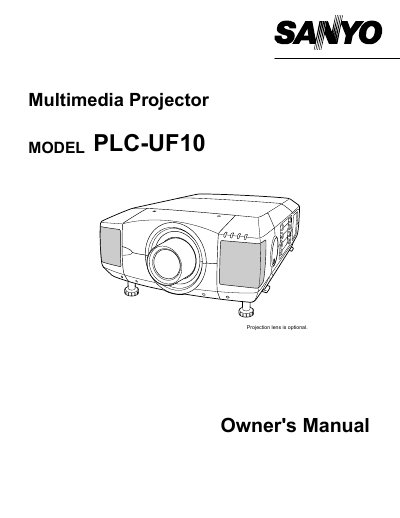

Sanyo PLC-UF10 Multimedia Projector Owner's Manual - cover page
Brand
Sanyo
Category
Projector
Document type
User Manual
Language
English
Pages
52
File format
PDF
File size
929 KB
Published
03 August, 2012
Updated
01 October, 2023
MD5 checksum
B557FA019EDEBD22DCBADEEF76FF4E54

About this manual

The Sanyo PLC-UF10 is a multimedia projector designed for computer and video applications. This owner's manual covers safety precautions, features, and design specifications of the device. It includes detailed instructions on how to set up the projector, connect various input sources such as computers and video equipment, and adjust picture settings like zoom, focus, keystone correction, and image level.

What's inside

  • Safety Precautions
  • Features and Design
  • Setting Up Projector
  • Connecting to Computer
  • Operating On-Screen Menu
  • Picture Image Adjustment
  • Maintenance
  • Troubleshooting

Specifications

Product TypeMultimedia Projector

Frequently asked questions

What safety precaution should be taken regarding the projector lens?

Do not stare directly into the projection lens because it produces intense light that can cause eye damage.

What is the minimum distance required for air circulation on the sides and rear of the projector?

A minimum distance of 50cm must be maintained on the top, sides, and rear to allow proper cooling.

How long does the laser pointer function emit a beam when activated?

The laser pointer emits a beam for 1 minute while the LASER button is pressed.

Download PDF (929 KB)

More Sanyo Manuals


View all Sanyo manuals →