
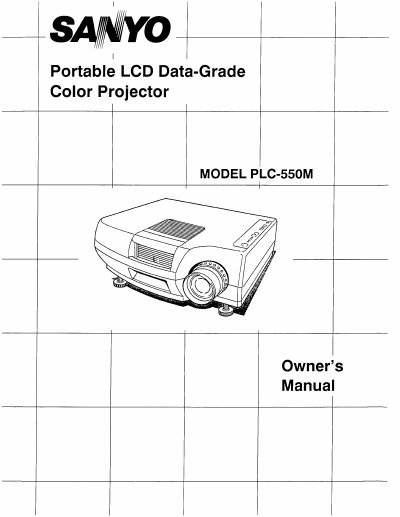
The SANYO PLC-550M is a portable LCD data-grade color projector designed for use with various personal computers. The manual details how to connect the projector to computers using provided adapter cables for VGA and MAC compatible systems, as well as how to connect audio and serial ports for computer control.
The document covers the setup process, including power requirements of 120 VAC, and explains the operation of controls and the remote control unit. It also provides guidance on picture adjustments, air filter care, lamp replacement, and troubleshooting common problems.
| Input Voltage | 120 VAC |
|---|---|
| Product Type | Portable LCD Data-Grade Color Projector |
It is compatible with VGA and MAC compatible computers, including FM-TOWNS, PC-9801, PC-9821, AT&T, GENOA 6000, and VESA VS901001.
The projector uses a nominal input voltage of 120 VAC and is designed for single-phase power systems with a grounded neutral conductor.