
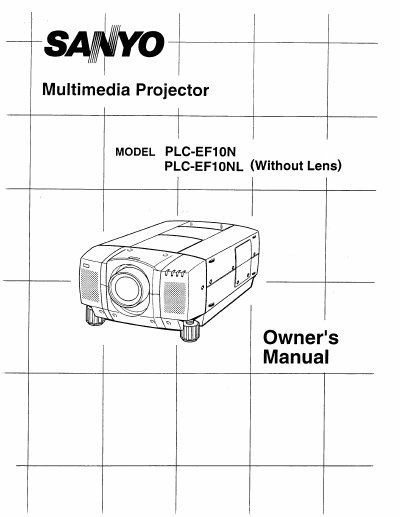
The Sanyo PLC-EF10N is a multimedia projector designed for high-performance business, training, and imaging applications. It features an active matrix liquid crystal display (LCD) technology with 1.8" TFT panels and supports a native resolution of 1280 x 1024 pixels. The device includes built-in audio capabilities and is compatible with various input sources including IBM-compatible computers, Macintosh systems, and video devices using worldwide standards like NTSC, PAL, and SECAM.
| Native Resolution | 1280 x 1024 pixels |
|---|---|
| Display Technology | 1.8" TFT Active Matrix type x 3 panels |
| Color System | 6 color system (PAL, SECAM, NTSC, NTSC4.43, PAL-M and PAL-N) |
| Zoom Range | Adjustable from 40" to 600" |
| Throw Distance | 4.9' (1.5 m) ~ 80.7' (24.6 m) |
| Power Consumption | 400 watt type |
The projector's projected image has a resolution of 1280 x 1024.
It supports NTSC, NTSC4.43, PAL, PAL-M, PAL-N, and SECAM.
The projector can be focused from 4.9 feet (1.5 m) to 80.7 feet (24.6 m).