
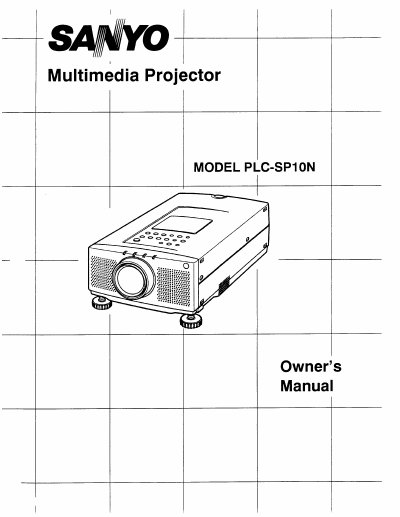
The Sanyo PLC-SP10N is a portable multimedia projector designed for ease of use. It features an active matrix liquid crystal display (LCD) technology with a palette of 16.77 million colors and supports resolutions up to 1024 x 768, compressing higher resolutions down to its native 800 x 600 output.
The manual covers the complete setup process, including unpacking the unit, positioning it for proper ventilation, and connecting various devices such as IBM-compatible computers, Macintosh systems, VCRs, DVD players, and external speakers. It also details how to operate the projector's controls and remote control unit.
| Image Resolution (Native) | 800 x 600 |
|---|---|
| Display Technology | Active matrix liquid crystal display (LCD) |
The native resolution of the projected image is 800 x 600.
No, it cannot. Screen resolutions above 1024 x 768 must be reset to a lower resolution before connecting.
It uses nominal input voltages of 100-120 VAC and automatically selects the correct voltage.