
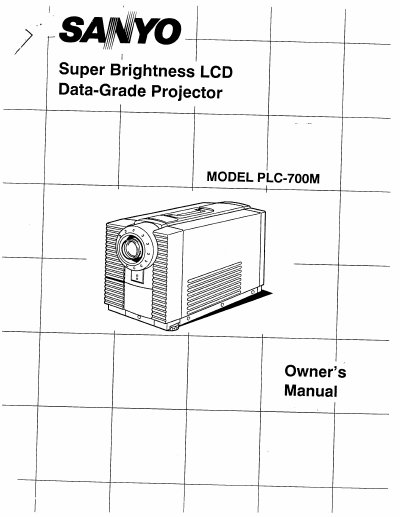
Sanyo PLC-700M Video Projector Owner's Manual


Sanyo PLC-700M Video Projector Owner's Manual - cover page
Brand
Sanyo
Category
Projector
Document type
User Manual
Language
English
Pages
28
File format
PDF
File size
3.9 MB
Published
03 August, 2012
Updated
22 August, 2012
MD5 checksum
F1F15DF3831438B9775E5AE587DA9274

About this manual

This document is the Owner's Manual for the Sanyo PLC-700M, a Super Brightness LCD Data-Grade Projector. It covers safety warnings, installation procedures, and the operation of various controls and the remote unit. The guide details how to connect the projector to computers using DB25-pin terminals, BNC jacks, and S-VHS inputs, as well as audio connections.

What's inside

  • Safety Instructions
  • Connecting the Projector
  • Setting-Up the Projector
  • Operation of Controls
  • Remote Control Unit Operation
  • Using the Projector
  • Picture Adjustments
  • Air Filter Care and Cleaning
  • Lamp Replacement
  • Technical Specifications

Specifications

Product TypeSuper Brightness LCD Data-Grade Projector

Frequently asked questions

Can I service the projector myself?

No, you should not attempt to service the projector yourself as opening covers may expose you to dangerous voltage.

What types of computers is this projector compatible with?

The projector can be connected directly to VGA, MAC II or compatible computers, FM-TOWNS, CGA, HGC, EGA, MAC SE, PC-9801, PC-9821, AT&T, AX-286/386, GENOA 6000, and VESA VS901001 computers.

What should be done if the projector will not be used for an extended time?

You should unplug the projector from the power outlet to prevent damage due to lightning and powerline surges.

Download PDF (3.9 MB)

More Sanyo Manuals


View all Sanyo manuals →