
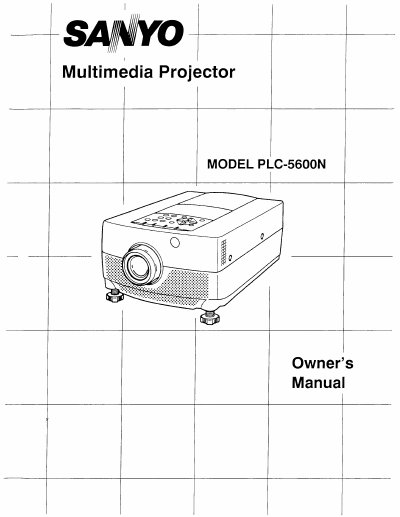
Sanyo PLC-5600N Multimedia Projector Owner's Manual


Sanyo PLC-5600N Multimedia Projector Owner's Manual - cover page
Brand
Sanyo
Category
Projector
Document type
User Manual
Language
English
Pages
52
File format
PDF
File size
5.2 MB
Published
03 August, 2012
Updated
22 August, 2012
MD5 checksum
B479E77E66C1AEC0D823A1F13E00C87B

About this manual

The Sanyo PLC-5600N is a portable multimedia projector designed for ease of use with built-in features like a retractable lens cover. It utilizes active matrix LCD technology to display images from various computers and video devices, including IBM-compatible systems up to 1024 x 768 resolution and Macintosh computers.

What's inside

  • Introduction
  • Unpacking the Projector
  • Power Requirements
  • Setting-Up the Projector
  • Connecting the Computer
  • Connecting the Video Equipment
  • Operation of Controls
  • Menu Operation
  • Using the Remote Control
  • Troubleshooting

Specifications

Image Resolution832 x 624
Compatible Computer Resolutionup to 1024 x 768
Power Input Voltage100-120 VAC

Frequently asked questions

How do I protect the lens during transportation?

Use the LENS RETRACT function which pulls the lens in when not in use to prevent damage.

What should I do if the projector does not operate normally?

Refer all servicing to qualified service personnel and unplug the unit before attempting any cleaning or inspection.

Download PDF (5.2 MB)

More Sanyo Manuals


View all Sanyo manuals →