
This document is the owner's manual for the PLC-EF30N multimedia projector. It describes the features and functions of the projector, provides operating and maintenance instructions, and includes troubleshooting solutions.
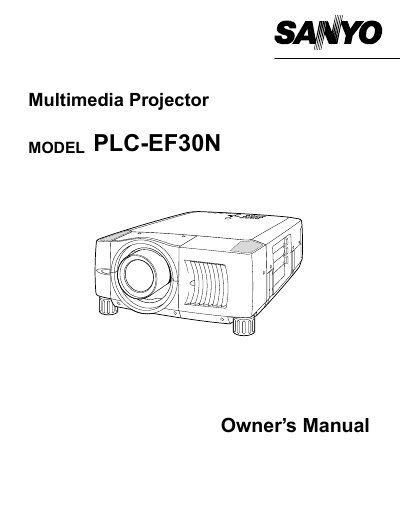
The Sanyo PLC-EF30N is a multimedia projector designed to display images from various input sources including computers and video equipment. This Owner's Manual covers safety precautions, features, and design specifications essential for proper operation.
The guide details the preparation steps, including installing the lens, connecting power cords, and positioning the unit. It also explains how to operate the on-screen menu, adjust picture settings like zoom and focus, and utilize functions such as the laser pointer.
| Product Type | Multimedia Projector |
|---|
You must unplug the projector from the AC power supply before cleaning it.
The laser pointer function can be used for a maximum of 1 minute.