
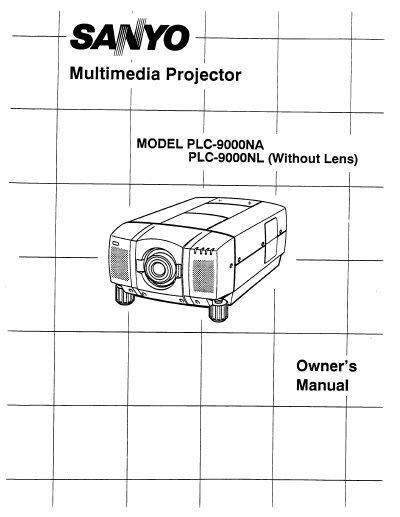
Sanyo PLC-9000NA Multimedia Projector Owner's Manual


Sanyo PLC-9000NA Multimedia Projector Owner's Manual - cover page
Brand
Sanyo
Category
Projector
Document type
User Manual
Language
English
Pages
52
File format
PDF
File size
2.9 MB
Published
03 August, 2012
Updated
22 August, 2012
MD5 checksum
CC9B82D378103828A6014582A862D7A9

About this manual

The Sanyo PLC-9000NA is a multimedia projector designed for high-performance business, training, and imaging applications. It features active matrix liquid crystal display (LCD) technology with a palette of 16.77 million colors and supports resolutions up to 1280 x 1024 from compatible computers and video devices.

What's inside

  • Introduction
  • Unpacking the Projector
  • Power Requirements
  • Setting Up the Projector
  • Ventilation
  • Moving the Projector
  • Troubleshooting
  • Service

Frequently asked questions

What is the minimum and maximum zoom distance for this projector?

The projector can be focused from a minimum distance of 3.6 feet (1.1m) to a maximum distance of 73.2 feet (22.3m).

What is the maximum operating range for the remote control?

The maximum operate range for the remote control unit is 16.4 feet (5 m).

What happens if a screen resolution higher than 1280 x 1024 is connected?

The projector cannot display resolutions above this limit, so the user must reset their computer's screen resolution to a lower setting before connecting.

Download PDF (2.9 MB)

More Sanyo Manuals


View all Sanyo manuals →