
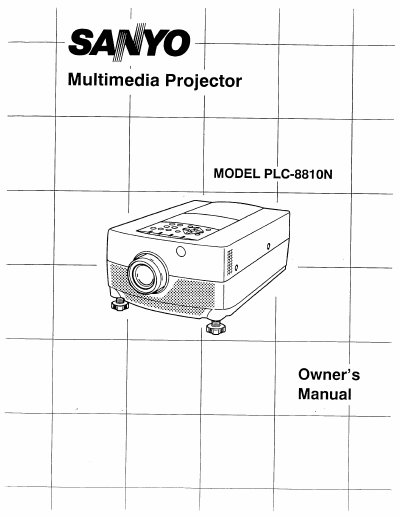
This document is the Owner's Manual for the Sanyo PLC-8810N multimedia projector. It guides users through setup, operation, and maintenance procedures, including specific instructions for replacing the lamp assembly and cleaning the air filter to ensure optimal performance and longevity. The manual also includes troubleshooting advice for common issues such as temperature warnings and lamp failures.
| Number of Pixels | 2,359,296 (786,432 x 1,024 x 768 x 3) |
|---|---|
| Color System | PAL, SECAM, NTSC and NTSC4.43 |
| Contrast Ratio | 100 :1 (ANSI) |
| Horizontal Resolution | 800 TV lines |
| Projection Lamp | UHP, 120 watt type |
| Voltage | 100 ~ 120V AC, 50/60 Hz |
| Power Consumption | 2.0A (Max. Ampere) |
| Operating Temperature | 5°C ~ 35°C |
Replace the lamp if the lamp monitor on the projector light is Orange and the lamp fails to come on.
Allow the projector to cool for at least 45 minutes before opening the lamp cover.
No, do not clean the air filter with water as it may damage the filter.