
This is a user manual for PLC-SP20N projector, which introduces the features and usage of the projector.
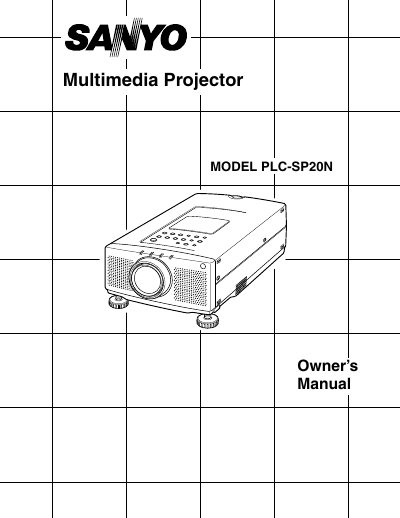
The document serves as an Owner's Manual for the Sanyo PLC-SP20N Multimedia Projector. It covers essential topics including unpacking, safety precautions, power requirements, and compatibility with various computers (IBM-compatible, Macintosh) and video equipment.
Detailed instructions are provided for setting up the projector, connecting it to different devices, adjusting image settings such as zoom and focus, and operating the remote control unit. The manual also includes sections on maintenance, lamp replacement, cleaning procedures, and a troubleshooting guide.
| Image Resolution | 800 x 600 |
|---|---|
| Color Palette | 16.77 million colors |
| Display Technology | active matrix liquid crystal display (LCD) |
| Input Voltage | 100-120 VAC |
The projector displays computer images up to a resolution of 1024 x 768.
Yes, it supports worldwide video standards including NTSC, NTSC4.43, PAL, SECAM and PAL-M.
You should unplug the new Projector from the power outlet.