
This manual provides detailed instructions on how to operate the projector and precautions to take. Please read this manual carefully and operate the projector correctly.
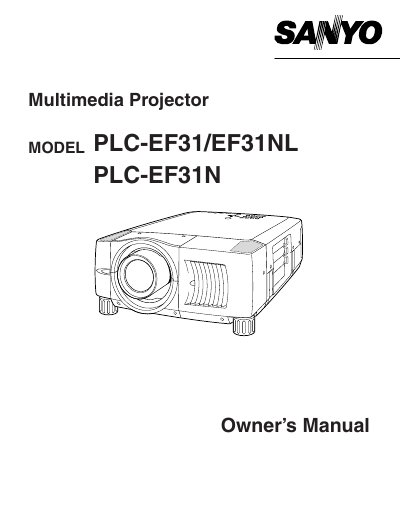
The document serves as a comprehensive guide for the Sanyo PLC-EF31N Multimedia Projector. It covers essential safety precautions regarding electric shock, fire hazards, and proper ventilation to ensure safe operation. The manual details the physical features of the unit and explains how to install the lens and position the projector correctly.
No, you should not attempt to service the projector yourself as opening covers may expose you to dangerous voltage; refer servicing to qualified personnel.
Staring directly into the lens can cause eye damage because the projector produces intense light.