
This manual provides detailed instructions on how to install and assemble the Bookeye 3 scanner.
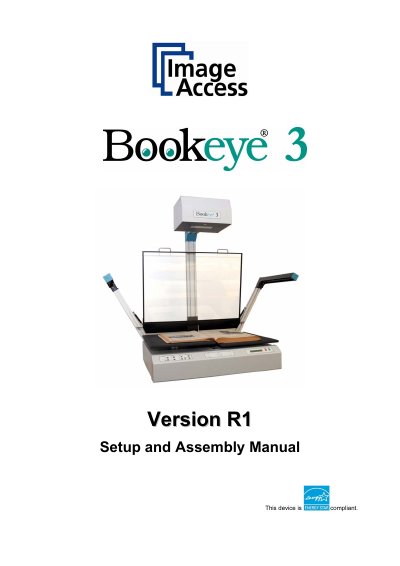
The Image Access Bookeye 3 is an efficient planetary scanner designed for a wide scope of applications, featuring an integrated web-based user interface. This Setup and Assembly Manual is intended for users and technical staff with basic mechanical and software skills, guiding them through the installation and configuration process to ensure maximum performance and quality. The document covers unpacking, mechanical assembly, software setup, and mandatory optical adjustments required for operation.
| Scanner outer dimensions (without lamps) | 1250 x 900 x 780 mm (H x W x D) |
|---|---|
| Scanner outer dimensions (lamps attached) | 1250 x 1500 x 780 mm (H x W x D) |
| Weight of scanner main body | 51 kg |
| Weight of camera head with short neck element | 9kg |
| Total shipping weight | 101 kg |
The access level is called “Poweruser”, which is password protected from access by the normal operator.
All manuals can be downloaded from the customer service portal at http://service.imageaccess.de.
Damages to the unit may have occurred during shipping, so you should check for damages immediately after delivery.