
This is an operation manual that introduces the features and characteristics of the Image Access Bookeye 4 scanner
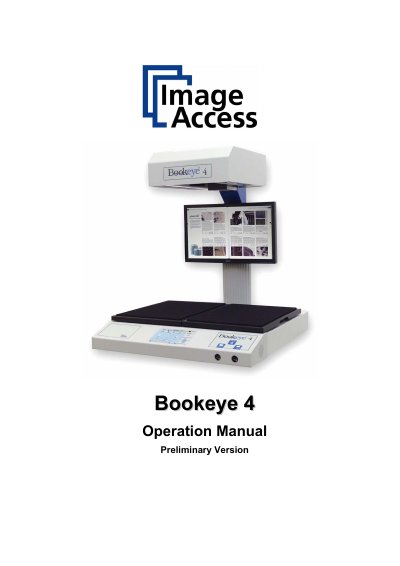
The Image Access Bookeye 4 is an efficient V-cradle book scanner designed for a wide range of applications. It features an integrated web-based user interface accessible via a touch panel, allowing users to control scanning parameters such as resolution, format, and image quality settings directly from the device.
| Operating Voltage (External) | 90 - 264 V AC |
|---|---|
| Operating Frequency | 47 - 63 Hz |
| Scanner Voltage | 24V DC |
| Max Scanner Current | 5A |
| Operating Temperature | 0... +65 °C |
| Operating Humidity | 10 ...93 % RH, non-condensing |
| Standby Power Consumption | 45W |
| Ready to scan Power Consumption | 75.0W |
The maximum current for the scanner is 5A.
No, it operates in a non-condensing environment with relative humidity between 10% and 93%.
The power consumption during a scan at 400 dpi with monitor on is 135.0W.