
Key facts
Start here
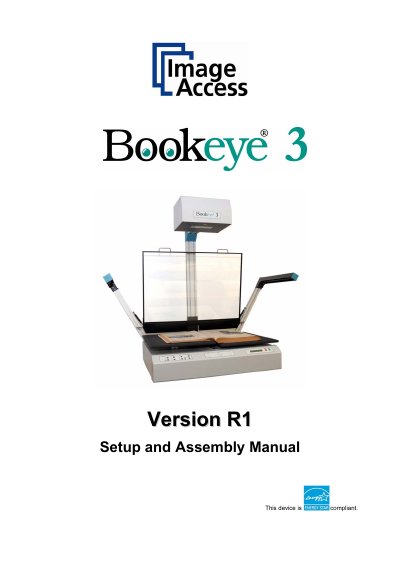
Image Access Bookeye 3 Version R1 Setup and Assembly Manual
The Image Access Bookeye 3 is an efficient planetary scanner designed for a wide scope of applications, featuring an integrated web-based user interface. This Setup and Assembly Manual is intended for users and technical staff with basic mechanical and software skills, guiding them through the installation and configuration process to ensure maximum performance and quality. The document covers unpacking, mechanical assembly, software setup, and mandatory optical adjustments required for operation.
Read onlineImage Bookeye 3 specifications
| Scanner outer dimensions (without lamps) | 1250 x 900 x 780 mm (H x W x D) |
|---|---|
| Scanner outer dimensions (lamps attached) | 1250 x 1500 x 780 mm (H x W x D) |
| Weight of scanner main body | 51 kg |
| Weight of camera head with short neck element | 9kg |
| Total shipping weight | 101 kg |
Source: Image Access Bookeye 3 Version R1 Setup and Assembly Manual
All Image Bookeye 3 documents by type
Day-to-day operation, settings and troubleshooting. Start here if the product is already set up.
Questions answered in these manuals
What is the access level required for setup and adjustment processes?
The access level is called “Poweruser”, which is password protected from access by the normal operator.
From: Image Access Bookeye 3 Version R1 Setup and Assembly Manual
Where can additional manuals be downloaded?
All manuals can be downloaded from the customer service portal at http://service.imageaccess.de.
From: Image Access Bookeye 3 Version R1 Setup and Assembly Manual
What software does this manual cover?
This manual covers normal operation but does not cover application software like BSW, BSCAN or BCS2.
Where can I find the Setup and Assembly Manual?
It is written for technical staff with basic mechanical skills and covers setup procedures.
What is the model designation format for the Bookeye 3?
The model designation follows the format BE3-AAA-BCd-XXX, where AAA represents SCL, SGS, or CGS.
What are the available output options for scanned documents?
Available output options include Save, Print, Copy, FTP Upload, Mail, and Network.