
This is an operation manual that introduces the use of the Image Access Bookeye® scanner
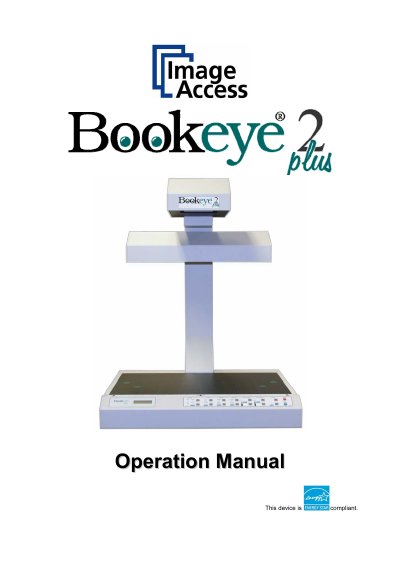
This Operation Manual is designed for users of the Bookeye scanner, an efficient device offering a wide scope of applications through its integrated web-based user interface. The document guides users through normal operation and behavior, detailing all device elements and software functions available in structured menus. It is intended for operators who do not perform setup and adjustment procedures.
The manual is divided into four main sections. Section A covers hardware operation, including safety notes, device location requirements, and establishing connections such as power and network. Section B describes the operation software and keyboard functions. Section C details troubleshooting procedures and test scan generation. Finally, Section D presents all technical data and declarations.
The Bookeye scanner is an efficient device that covers a wide scope of applications due to its versatility.
The scanner features an integrated web based user interface that makes all functions available in structured menus.