
This document is the user manual of Image Access WideTEK 36 scanner
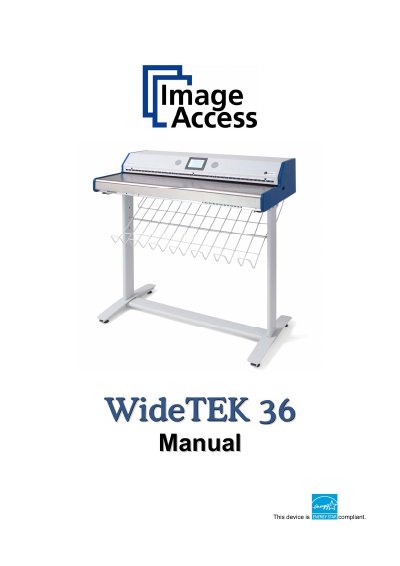
The Image Access WideTEK 36 is an efficient document scanner featuring an integrated web-based user interface. This Operation Manual is designed for end users who operate the device without performing deep setup or adjustment procedures. It provides detailed descriptions of all device elements and software functions available through the touch panel menus.
The manual is divided into four sections covering hardware, software setup, troubleshooting, and technical data. Key topics include safety precautions, connecting to power sources, using the touch panel for image control and file management (JPEG, TIFF, PDF), creating scanning jobs, and performing self-tests.
| Compliance Standard | EXii63 compliant |
|---|---|
| Product Type | Scanner |
This operation manual leads you through all situations which will arise when using the WideTEK 36 to avoid operation errors.
You must check for damages immediately after delivery of the unit and inform your supplier if damage has occurred.
Yes, regular maintenance is necessary to conserve the high quality and safety of the WideTEK 36 during its entire service life.