
This document introduces the features and characteristics of the Bookeye® 3 scanner from Image Access, and provides solutions for various situations that may arise when using the device.
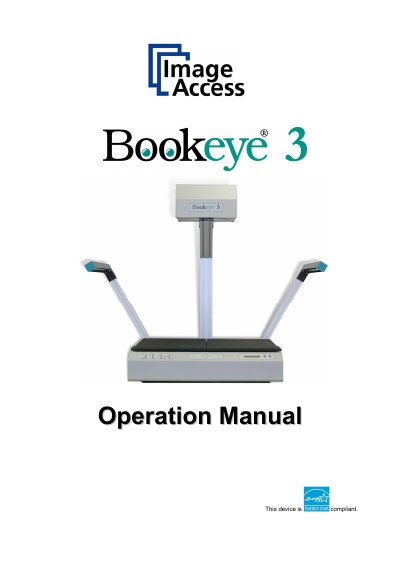
The Image Access Bookeye 3 is an efficient planetary scanner designed for a wide scope of applications. This operation manual guides users through all situations that may arise when using the device, ensuring safe and correct operation from the beginning.
The document covers hardware overview, including safety notes and connecting power sources or network cables. It details the integrated web-based user interface functions such as scanning in various modes (Fixed Focus, Flat, Folder, Book) and output options like saving, printing, copying, FTP upload, email, and network transfer.
| Product Type | Planetary Scanners |
|---|---|
| Compliance Standard (FCC) | Part 15, Class B of the FCC Rules |
| Compliance Standard (Safety) | EN 60950 :2000 |
The model designation follows the format BE3-AAA-BCd-XXX, where AAA represents SCL, SGS, or CGS.
Available output options include Save, Print, Copy, FTP Upload, Mail, and Network.