
This manual describes the features and characteristics of Image Kiosk 8560/8570
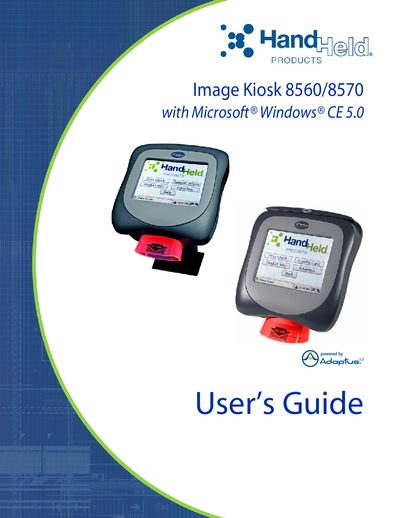
This guide introduces the Image Kiosk 8560/8570, a Windows CE‑based handheld device. It covers agency information, safety approvals, getting started steps, hardware overview, and basic configuration such as booting, setting the time, and adjusting the backlight.
Further sections detail communication options including wired Ethernet, USB, and 802.11b wireless, imaging functions, mounting dimensions, and customer support resources. Regulatory compliance for FCC, CE, and other standards is also documented.
| Operating System | Microsoft Windows CE 5.0 |
|---|---|
| Wireless Standard | 802.11b |
| FCC Compliance | Part 15 Class A |
| USB Host Port | Available |
| RS‑232 Pass‑Through Cable | Supported |
The device can be started with a warm boot, cold boot, or hard boot as described in the hardware overview.
The kiosk supports wired Ethernet (IK8560EE, IK8570E, IK8570EUE), USB communication, and optional 802.11b wireless.
It includes an 802.11b radio for wireless LAN connectivity.