
This manual introduces the installation and assembly process of the WideTEK 25 scanner
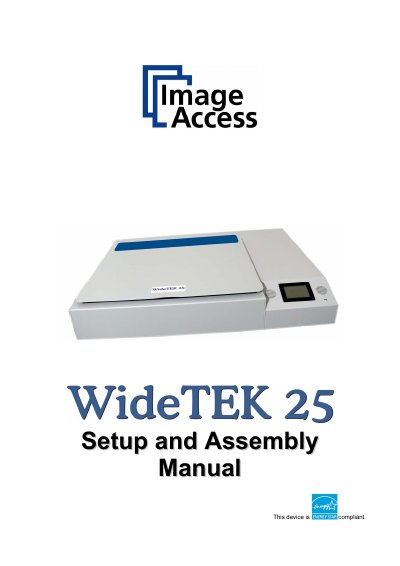
The Image Access WideTEK 25 is a versatile scanner featuring an integrated web-based user interface. This Setup and Assembly Manual is designed to guide technical staff through the necessary steps for unpacking, mechanical installation, and initial software configuration after delivery.
The document covers hardware setup including safety notes, device location, network connection, and optical adjustments such as white balance. It also details software procedures like firmware updates and ICC profile installation, along with maintenance instructions for cleaning and troubleshooting common issues.
| Product Name | WideTEK 25 |
|---|---|
| Manufacturer | Image Access GmbH |
The responsible party is Image Access GmbH located in Wuppertal, Germany.
The model designation is WT25—XXX, where XXX represents the device version number and configuration details.