
This manual introduces the basic functions and usage methods of VB300 G-Force Datalogger.
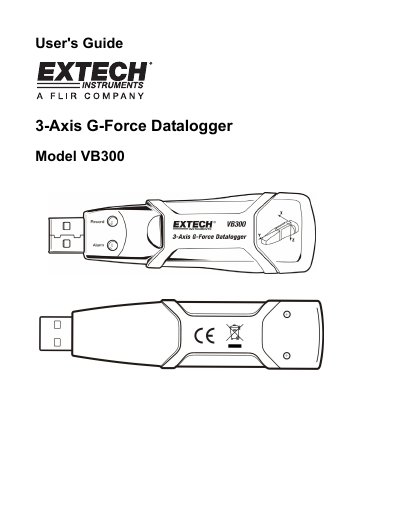
The EXTECH VB300 is a portable data logger designed to measure and record shock and vibration (acceleration) over a +18g range. It features a built-in accelerometer, real-time clock for time-stamped data, and the ability to operate in Normal or Motion Detection modes. The device includes a long-life 1000-hour lithium battery and connects via USB for configuration and data download.
| Resolution | 0.00625g |
|---|---|
| Accuracy | +/-0.5g |
| Frequency Range | 0 to 60Hz |
| Battery Life | 1000 hours approx. |
| Operating Temperature | 32 to 104 F (0 to 40 C) |
Press and hold the datalogger start/stop button until the red LED flashes four times.
It indicates that the device is currently logging data with no alarm active.
The red LED flashes every 30 seconds, and all operations are automatically disabled.
The red and green LEDs alternate flashing every 60 seconds.