
This manual is for the Extech EX310 Mini Multimeter. It provides instructions for using the meter for AC/DC Voltage, AC/DC Current, Resistance, Diode, and Continuity testing, as well as safety warnings.
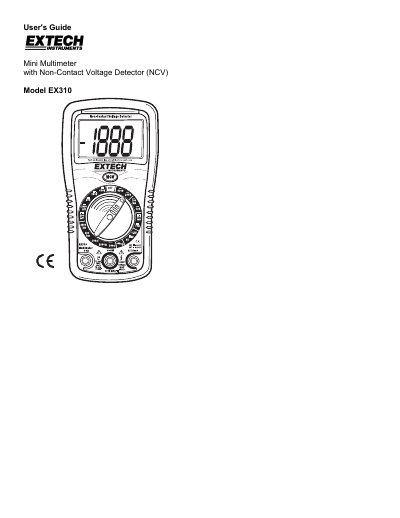
This document is the User's Guide for the Extech EX310 Mini Multimeter, which features a built-in non-contact voltage detector (NCV). The manual provides comprehensive instructions on using the device for AC/DC voltage, current, resistance, diode, and continuity testing.
| Maximum Input Voltage | 600V AC and DC |
|---|---|
| Maximum Current (mA) | 200mA |
| Maximum Current (A) | 10A |
| Resistance/Diode/Continuity Max | 250V DC/AC |
| NCV Detection Range | 100 to 600VAC |
Yes, set the function switch to the 10A AAC or 10A ADC position and insert the red test lead into the 10A jack.
You risk electric shock. The manual warns never to measure continuity on circuits that have a voltage potential.