
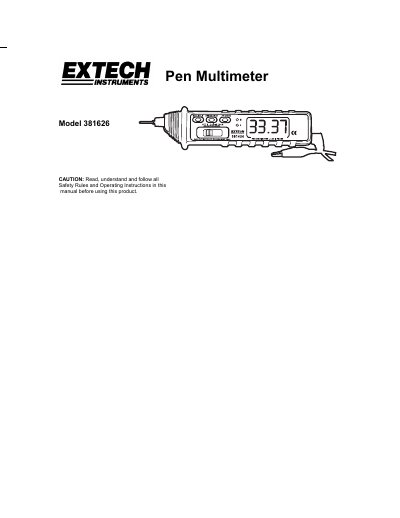
Extech Model 381626 Pen Multimeter User Guide


Extech Model 381626 Pen Multimeter User Guide - cover page
Brand
EXTECH
Category
multimeter
Document type
User Manual
Language
English
Pages
7
File format
PDF
File size
220 KB
Published
01 August, 2012
Updated
29 September, 2023
MD5 checksum
EB713C065327BEFAACC54C71F85A35E2

About this manual

The Extech Model 381626 is a 3200-count pen-style digital multimeter designed for measuring AC or DC voltage, current, resistance, diodes, and continuity. It features automatic ranging capabilities and can also function as a logic test pen with LED indicators.

What's inside

  • Safety Rules
  • Functional Description
  • Function Switch Settings
  • DC or AC Voltage Measurement
  • DC or AC Current Measurement
  • Resistance Measurement
  • Continuity Test
  • Diode Test
  • Logic Test

Specifications

Count3200 count
Display Size0.6 inch high characters
Input Impedance (DC Voltage)10MΩ
Max Input Voltage500V AC/DC
Continuity ThresholdLess than 20 ohms
Logic Test Input Impedance220kΩ
Operating Temperature0°C to 50°C
Power SupplyTwo 1.5V AAA batteries

Frequently asked questions

What is the maximum input voltage for this multimeter?

The device should not measure voltage above 500V DC or AC rms.

How does the continuity test function work?

The buzzer sounds if the measured resistance is less than approximately 20 ohms.

How long does it take for the meter to turn off automatically?

The power turns off after 30 minutes of inactivity.

Download PDF (220 KB)

More EXTECH Manuals


View all EXTECH manuals →