
This manual is the owner's manual for the LC-SE10 multimedia projector. It introduces the features and basic operating methods of the product.
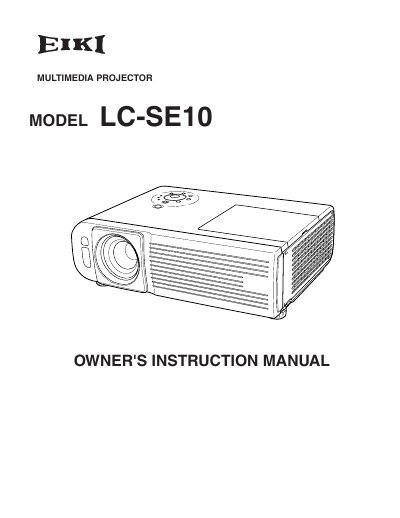
The document serves as an owner's instruction manual for the EIKI LC-SE10 multimedia projector. It covers essential topics including safety precautions regarding electric shock and laser beams, proper positioning to prevent fire hazards, and air circulation requirements.
Key operational sections include connecting the device to computers and video equipment, adjusting image settings like zoom and focus, and utilizing features such as Auto Set Up and Picture Freeze. The manual also details maintenance tasks like cleaning filters and replacing the lamp.
The projector should not be tilted more than 20 degrees above and below, or 7 degrees to the side.
The laser beam is emitted for a maximum of 1 minute when the LASER button is pressed.
Read the manual again, check operations and cable connections, try solutions in the Troubleshooting section, or contact the dealer.