
This Multimedia Projector is designed with the most advanced technology for portability, durability, and ease of use. This projector utilizes built-in multimedia features, a palette of 16.77 million colors, and matrix liquid crystal display (LCD) technology. It widely accepts various video and computer input signals including IBM-compatible or Macintosh computer up to 1280 x 1024 resolution, 6 color systems, component video signals, S-Video signals, and RGB Scart signals. It supports 800 x 600 dots resolution for computer input and has a Multi-Scan System for quick adjustment to different computer output signals. It also has Digital Keystone Adjustment to correct distorted images caused by positioning height of the projector.
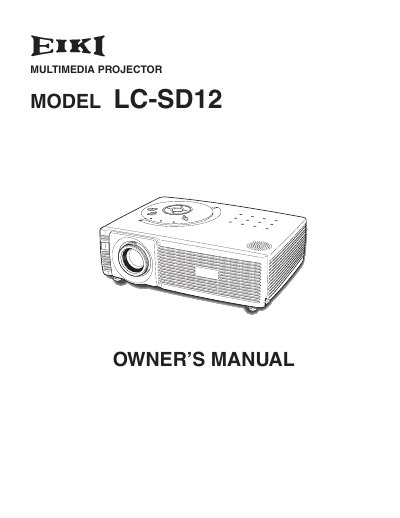
The EIKI LC-SD12 is a compact multimedia projector designed with advanced technology for portability and ease of use. It features matrix liquid crystal display (LCD) technology capable of displaying 16.77 million colors and supports various input signals including computers, component video, S-Video, and RGB Scart.
| Display Technology | matrix liquid crystal display (LCD) |
|---|---|
| Color Palette | 16.77 million colors |
| Computer Resolution Support | up to 1280 x 1024 resolution |
| User Logo Resolution | 800 x 600 dots |
The operation menu is displayed in English, German, French, Italian, Spanish, Portuguese, Dutch, Swedish, Russian, Chinese, Korean or Japanese.
Yes, you can display a captured image during your presentation instead of a blackout image using the No Show function.