
The manual introduces the features and usage of the LC-SB22 projector
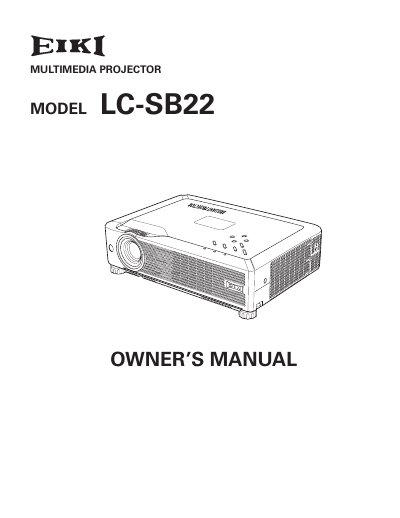
The EIKI LC-SB22 is a compact multimedia projector designed for portability and ease of use. It features a matrix liquid crystal display (LCD) technology capable of displaying 16.77 million colors and supports various input signals including computers, component video, S-Video, and RGB SCART. The device includes advanced features such as a multi-language menu, digital zoom, noise reduction, and a blackboard function for projection on green surfaces. It also offers power management and security functions like key lock and PIN code lock to protect the device and its settings.
The manual covers installation, connecting to computers and video equipment, basic operation, and menu navigation. It provides detailed instructions on adjusting image levels, screen size, and keystone correction. Additionally, it includes safety precautions regarding ventilation, lamp replacement procedures, and troubleshooting common issues to ensure the projector's longevity and proper performance.
| Display Technology | matrix liquid crystal display (LCD) |
|---|---|
| Color Palette | 16.77 million colors |
| Menu Languages | 16 languages |
| Digital Zoom | approx. 16 times or half of screen size |
| Blackboard Function | Green board color |
The operation menu is available in 16 languages including English, German, French, Italian, Spanish, Portuguese, Dutch, Swedish, Finnish, Polish, Hungarian, Romanian, Russian, Chinese, Korean, and Japanese.
Yes, the Blackboard function allows the projector to be used as a projection screen, but the board color is limited to Green.
The digital zoom function expands or compresses the image size to allow users to focus on crucial information during a presentation.
The projector provides security with Key lock and PIN code lock functions to lock the operation and prevent unauthorized use.