
LC-SB21 multimedia projector owner's manual includes the features of the product, including compact design, wide compatibility, simple computer system setup, digital zoom (for computer), power management, user's logo, selectable lamp mode, blackboard function and film function.
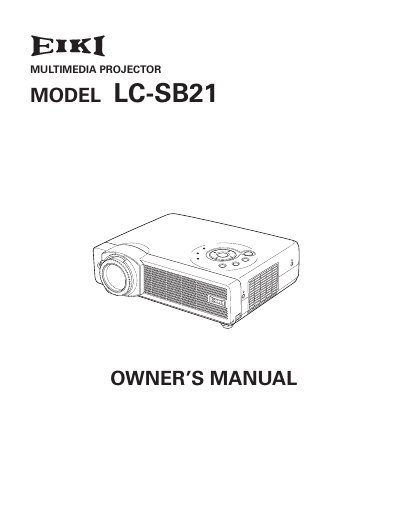
The EIKI LC-SB21 Multimedia Projector is designed with advanced technology for portability and ease of use. It features a matrix LCD display, supports 16.77 million colors, and includes built-in multimedia capabilities. The device accepts various input signals including computers, S-video, and component video, and offers features like digital zoom, auto setup, and a blackboard function.
| Display Technology | matrix liquid crystal display (LCD) |
|---|---|
| Color Palette | 16.77 million colors |
| Menu Languages | 12 languages |
| Digital Zoom | approx. 16 times of screen size |
The operation menu is available in 12 languages: English, German, French, Italian, Spanish, Portuguese, Dutch, Swedish, Russian, Chinese, Korean, or Japanese.
Yes, the Blackboard+ function can be used as a projection screen, though the board color is limited to Green.