
EIKI LC-HDT10 Multimedia Projector Owner's Instruction Manual

This is the owner's manual of LC-HDT10 multimedia projector, it introduces the operation methods and precautions of the projector
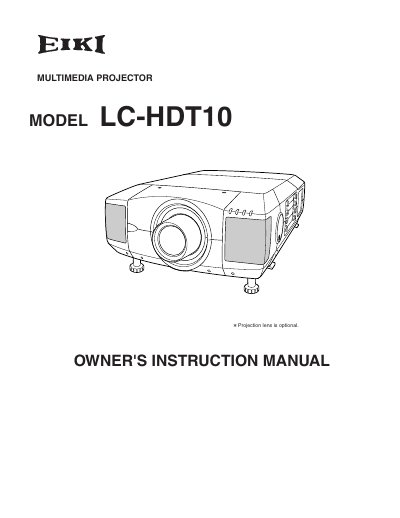

EIKI LC-HDT10 Multimedia Projector Owner's Instruction Manual - cover page
Brand
EIKI
Category
Projector
Document type
User Manual
Language
English
Pages
52
File format
PDF
File size
1.4 MB
Published
12 July, 2012
Updated
30 September, 2023
MD5 checksum
C12C80B9FC4E07BA9EB7CA75E9756CBA

About this manual

This document is the Owner's Instruction Manual for the EIKI LC-HDT10 multimedia projector. It covers safety precautions, features, and design details before guiding the user through preparation and setup procedures. The guide includes instructions for connecting the projector to AC power, installing the lens, positioning the unit, and adjusting the lens shift and picture level. It also details how to connect the projector to computers and video equipment.

What's inside

  • Features and Design
  • Preparation
  • Setting-Up Projector
  • Connecting AC Power Cord
  • Lens Installation
  • Positioning Projector
  • Connecting Projector Terminals
  • Operating On-Screen Menu
  • Display Adjustments
  • Maintenance

Frequently asked questions

What safety precaution is required when cleaning the projector?

You must unplug the projector from the AC power supply before cleaning it.

What is the minimum distance required for air circulation on the sides and top?

A minimum distance of 50cm is required on the sides and top of the projector.

What type of AC power cord is required for use in the United States and Canada?

The AC power cord must have a grounding-type AC line plug.

Download PDF (1.4 MB)

More EIKI Manuals


View all EIKI manuals →