
Dukane 8781 Portable LCD Projector User's Manual

This file is the user manual of 8781 projector, which introduces the use of the product
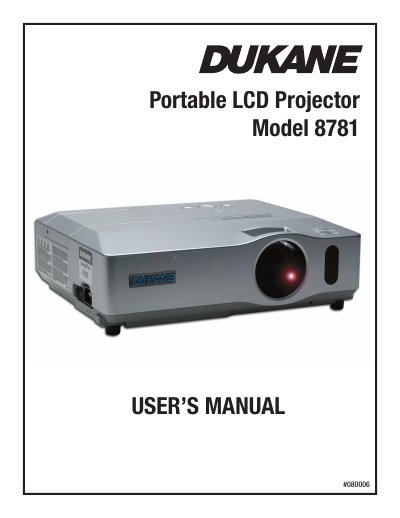

Dukane 8781 Portable LCD Projector User's Manual - cover page
Brand
Dukane
Category
Projector
Document type
User Manual
Language
English
Pages
21
File format
PDF
File size
3.9 MB
Published
12 July, 2012
Updated
30 September, 2023
MD5 checksum
C426ADB39C1B6A2F50576060A25FA4C7

About this manual

This manual provides instructions for the Dukane 8781 Portable LCD Projector. It details the contents of the package, including the remote control, cables, and accessories. The guide covers essential preparations such as fastening the lens cover and loading batteries into the remote control.

What's inside

  • Contents of package
  • Preparations
  • Arrangement
  • Connecting your devices
  • Using a USB storage
  • Using an SD card
  • Connecting power supply
  • Turning on the power
  • Replacing the lamp
  • Specifications

Frequently asked questions

What batteries are required for the remote control?

The remote control requires two AA batteries, specifically HITACHI MAXELL Part No. LR6 or R6P.

What is the minimum projection distance for a 30-inch screen?

The minimum projection distance for a 30-inch screen is 0.8 meters.

What happens when the power switch is turned on with AUTO ON enabled?

The projection lamp lights up without needing to press the STANDBY/ON button.

Download PDF (3.9 MB)

More Dukane Manuals


View all Dukane manuals →