
This document is the user manual for the 28A7250 ImagePro Projector, including usage notice, product introduction, package overview, installation product overview, user controls, and appendices.
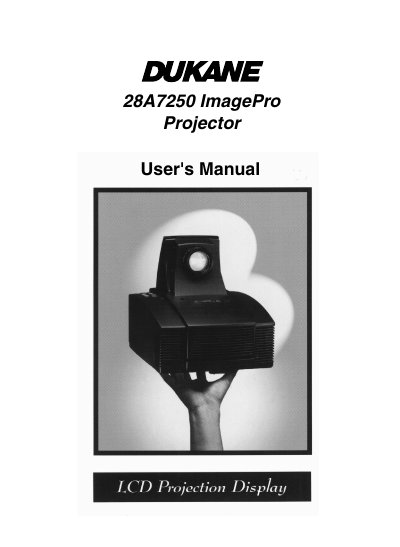
The Dukane 28A7250 is a lightweight, portable projection display featuring a single-panel 6.4-inch TFT LCD system driven by a high-powered metal halide lamp. It supports multiple video input formats including NTSC, PAL, and S-Video, as well as computer inputs like VGA and SVGA. The device includes advanced features such as keystone correction, zoom, freeze, and pointer functions controlled via an on-screen menu or remote control.
| Resolution | 800 x 600 addressable pixels |
|---|---|
| Lamp Type | 330-watt user replaceable metal-halide lamp |
| Weight | 10.34lbs (4.7 kg) |
The Dukane LCD projector is warranted against defects in material and workmanship for five years from the original purchase date.
You should turn off the product and use a soft cloth moistened with mild detergent to clean it.
Do not look into the lens because the bright light may hurt your eyes.