
ENGLISH Projector 8755H/8916/8913H/8912H User's Manual

This document is a concise user manual for the English projector 8755H/8916/8913H/8912H, which provides instructions on how to use the projector and important precautions.
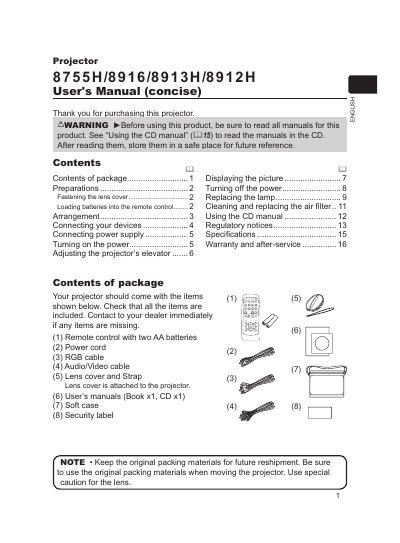

ENGLISH Projector 8755H/8916/8913H/8912H User's Manual - cover page
Brand
Dukane
Category
Projector
Document type
User Manual
Language
English
Pages
16
File format
PDF
File size
35.6 MB
Published
12 July, 2012
Updated
29 September, 2023
Model
8755H
MD5 checksum
6E43A42B02651FE245CC6282F507323B

About this manual

This concise user's manual provides instructions for the ENGLISH Projector models 8755H, 8916, 8913H, and 8912H. It covers essential topics including checking the contents of the package, preparing the device, and connecting external devices such as PCs and audio sources.

What's inside

  • Contents of package
  • Preparations
  • Arrangement
  • Connecting your devices
  • Connecting power supply
  • Turning on the power
  • Adjusting the projector's elevator
  • Displaying the picture

Frequently asked questions

What type of batteries are required for the remote control?

The remote control requires two AA batteries, specifically HITACHI MAXELL with Part No. LR6 or R6P.

How much can the projector's front be tilted using the elevator feet?

The elevator feet allow you to elevate the front side of the projector within 10 degrees.

What is the minimum space required between the projector and walls?

You must keep a space of 30 cm or more between the sides of the projector and other objects such as walls.

Download PDF (35.6 MB)

More Dukane Manuals


View all Dukane manuals →