
Dukane 8755G-RJ/8782 Portable LCD Projector User's Manual

This manual is the operating manual for the 8755G-RJ/8782 projector. It introduces the characteristics, functions, and usage methods of the projector, as well as precautions.
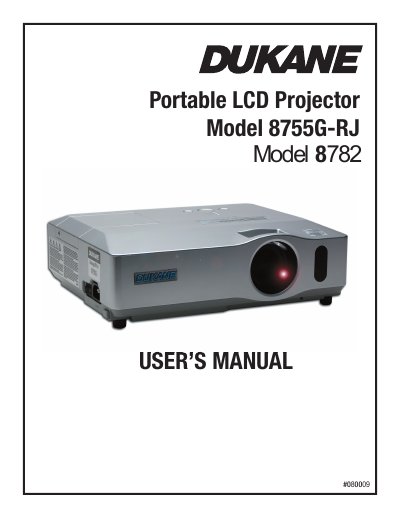

Dukane 8755G-RJ/8782 Portable LCD Projector User's Manual - cover page
Brand
Dukane
Category
Projector
Document type
User Manual
Language
English
Pages
130
File format
PDF
File size
19.9 MB
Published
12 July, 2012
Updated
30 September, 2023
MD5 checksum
261D2BBBA1A2ECE873037688BDD64B41

About this manual

This document is the User's Manual for the Dukane 8755G-RJ and 8782 Portable LCD Projectors. It covers safety warnings, package contents, and detailed instructions on setting up the projector, connecting devices, and using the remote control. The guide explains how to adjust picture settings, use various menu functions, and operate the projector in different environments.

What's inside

  • Projector features
  • Contents of package
  • Fastening the lens cover
  • Part names
  • Control panel
  • Rear panel
  • Remote control
  • Setting up
  • Using the security bar and slot
  • Maintenance

Frequently asked questions

What safety precautions should be taken regarding the projector's heat?

Do not touch the lamp cover or exhaust vents during use because they become too hot, and do not look into the lens while the lamp is on.

How should the air filter be maintained to prevent overheating?

You must maintain normal ventilation by keeping the intake vents clear of obstructions and cleaning the air filter periodically.

Download PDF (19.9 MB)

More Dukane Manuals


View all Dukane manuals →