
Dukane 8913-W LCD Projector User's Manual

This manual provides detailed instructions for using the 8913-W projector
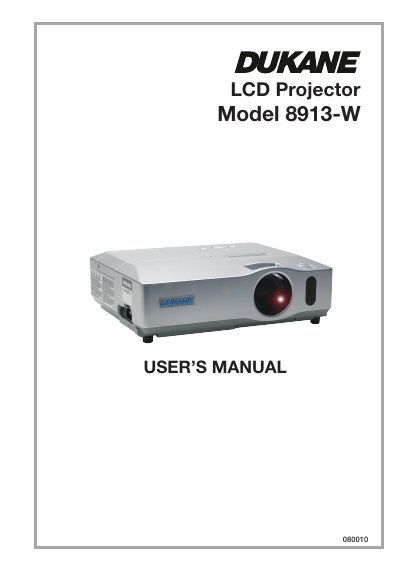

Dukane 8913-W LCD Projector User's Manual - cover page
Brand
Dukane
Category
Projector
Document type
User Manual
Language
English
Pages
22
File format
PDF
File size
16.4 MB
Published
12 July, 2012
Updated
30 September, 2023
MD5 checksum
3330288CF4AB80F82B02E09515E71962

About this manual

The Dukane 8913-W is an LCD projector designed for displaying images on screens ranging from 30 to 250 inches. The package includes a remote control with batteries, power cord, cables (RGB and Audio/Video), lens cover, strap, soft case, security label, application CD, and user manuals.

What's inside

  • Contents of package
  • Preparations
  • Fastening the lens cover
  • Loading batteries into the remote control
  • Arrangement (Screen size and projection distance)
  • Connecting your devices
  • Using a USB storage
  • Using an SD card
  • Replacing the lamp
  • Cleaning and replacing the air filter

Specifications

Product TypeLCD Projector

Frequently asked questions

What batteries are required for the remote control?

The remote requires two AA batteries, specifically HITACHI MAXELL Part No. LR6 or R6P.

Is a wireless network card required for the wireless function?

Yes, the designated wireless network card sold as an option is required to use the wireless network function.

Download PDF (16.4 MB)

More Dukane Manuals


View all Dukane manuals →