
Dukane 28A8035 Liquid Crystal Projector Operating Guide

28A8035 Dukane Liquid Crystal Projector Instructions
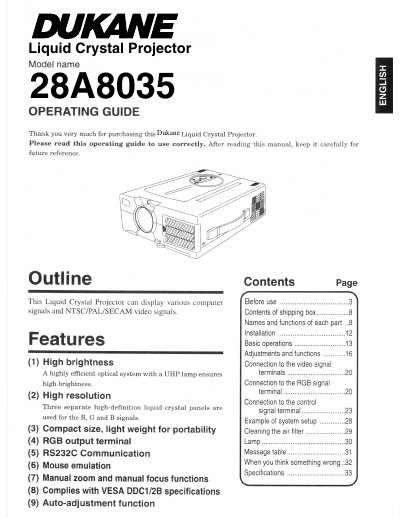

Dukane 28A8035 Liquid Crystal Projector Operating Guide - cover page
Brand
Dukane
Category
Projector
Document type
User Manual
Language
English
Pages
36
File format
PDF
File size
1.9 MB
Published
12 July, 2012
Updated
30 September, 2023
MD5 checksum
C593126718430AE6F8166120D672DEFC

About this manual

This document is an operating guide for the Dukane 28A8035 Liquid Crystal Projector. The device features a high-brightness UHP lamp system, three separate high-definition liquid crystal panels for RGB signals, and supports various computer and NTSC/PAL/SECAM video signals. It includes functions such as manual zoom/focus, RS232C communication, mouse emulation, and auto-adjustment.

What's inside

  • Contents of shipping box
  • Names and functions of each part
  • Installation
  • Basic operations
  • Adjustments and functions
  • Connection to the video signal terminals
  • Connection to the RGB signal terminals
  • Connection to the control signal terminal
  • Example of system setup
  • Message table

Specifications

Display TechnologyThree separate high-definition liquid crystal panels
Light SourceUHP lamp
Video Signal SupportNTSC/PAL/SECAM

Frequently asked questions

What type of lamp does this projector use?

The projector uses a UHP lamp in its optical system.

Does the projector support RS232C communication?

Yes, the device includes an RS232C Communication feature.

Download PDF (1.9 MB)

More Dukane Manuals


View all Dukane manuals →