
This is the user manual of ImagePro 8043/8753 LCD Projector USERS GUIDE MODEL 28A8043 MODEL 28A8753
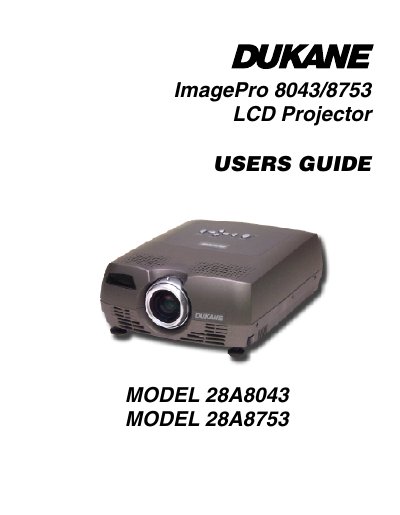
The Dukane ImagePro 8043 and 8753 are multimedia projectors designed for multipurpose use. The model 8043 features a native SVGA resolution of 800x600, while the model 8753 offers XGA resolution at 1024x768. Both units share identical user interfaces and support screen resolutions up to 1280x1024.
| Native Resolution (Model 8043) | SVGA 800x600 |
|---|---|
| Native Resolution (Model 8753) | XGA 1024x768 |
| Maximum Compatible Screen Resolution | 1280x1024 |
| Lamp Type | 132-watt UHP lamp |
| Input Power Requirements | 100-240V~ 2-1A 50-60 Hz |
| Operating Temperature (Sea Level) | 41 to 95 ° F (5 to 35 ° C) |
| Weight | 5.7 lbs. (2.6 kg) |
The Dukane LCD projector is warranted to the original purchaser for a period of five years from the original purchase date.
You must wait 60 minutes after turning off and unplugging the projector to avoid burns from hot surfaces.
Yes, the projector is compatible with Apple Macintosh and PowerBook computers up to 1280x1024 resolution.