
This document is the operating manual for liquid crystal projector 28A8040, which introduces the product's features and characteristics, installation, and use information
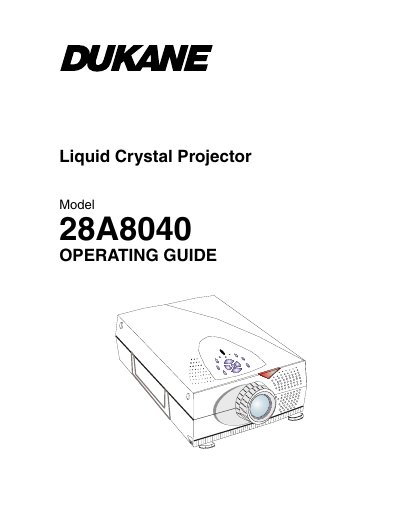
This document is the operating guide for the Dukane 28A8040, a lightweight portable liquid crystal projector featuring a high-powered UHP lamp and SVGA resolution. It includes instructions for unpacking, connecting video and audio sources, and powering the unit on and off.
| Resolution | 800 x 600 addressable pixels |
|---|---|
| Weight | 8.9 Ibs. (4.0 kgs) |
| Compatibility | Mac / NEC PC-98 / FM Towns |
| Video Standards | NTSC / PAL/ SECAM |
The product is warranted for five (5) years from the original purchase date against defects in material and workmanship.
You must reset the lamp life timer from the OSD menu after installing a new lamp.
You should turn off the product before cleaning it.