
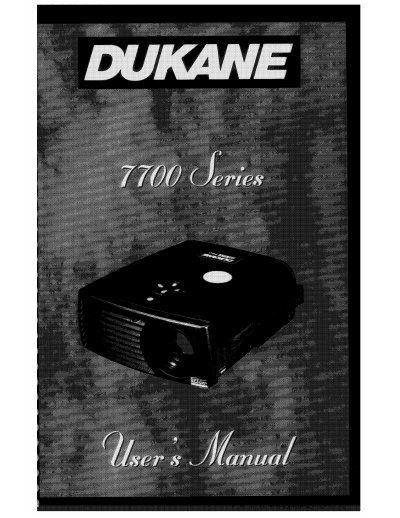
This manual provides instructions for operating the Dukane 7700 Series projector, including setup, connecting to signal sources, adjusting focus and height, using menus, and replacing the lamp module. It also includes safety precautions, warranty information, and troubleshooting tips for common issues like blank screens or distorted images.
The manual covers technical specifications, compatibility with operating systems like Windows 95/98, and details on safety certifications including UL, CUL, and TUV/GS. It also outlines warranty terms and service contact information for Dukane AV Service Department.
| Lamp Type | Metal Halide Lamp |
|---|---|
| Warranty | Five (5) years from original purchase date |
| Safety Certifications | UL, CUL, TUV/GS |
Replacing the lamp module is covered in the manual under 'Replacing the Lamp Module' section on page 25.
The projector comes with a five-year limited warranty against defects in material and workmanship.