
This document is a user's guide for Model 28A7100HC 401-599-00, which describes the EMC directive, low voltage directive, and safety requirements of the product, as well as the related trademarks. The product complies with the limits for a Class B digital device according to FCC rules and provides reasonable protection against harmful interference.
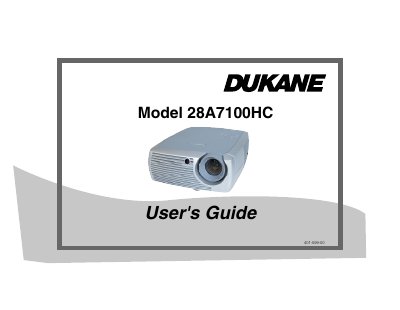
The Dukane 28A7100HC is a digital LCD projector designed for business presentations and home entertainment. It features a native SVGA 800x600 resolution and supports various input sources including IBM-compatible computers, Apple Macintosh, VCRs, DVD players, and HDTV sources. The device includes standard accessories such as a remote control, power cord, and audio/video cables.
| Native Resolution | SVGA 800x600 |
|---|---|
| Minimum Distance to Screen | 4.9 feet (1.49m) |
| Warranty Period | Five (5) years |
The projector has a native SVGA 800x600 resolution.
The projector must be at least 4.9 feet (1.49m) from the projection screen.
Yes, it is compatible with Apple Macintosh and PowerBook computers up to 1024x768 resolution.