
This document is a user manual for Ricoh camera, which describes the functions and usage of the camera.
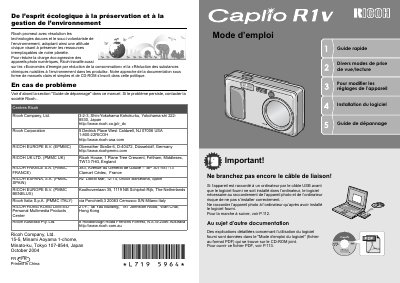
This document is the official French user manual for the Ricoh Caplio R1V compact digital camera. It provides comprehensive instructions on operating the device, including safety measures, battery installation, and initial setup procedures such as language selection and date configuration.
The guide details various shooting functions specific to this model, such as the 4.8x optical zoom (28-135mm equivalent), macro mode at 1cm, and hybrid autofocus technology. It also covers video recording capabilities at 30fps, scene modes, and direct printing features without a computer. This manual is written in French.
| Zoom optique | 4.8x |
|---|---|
| Focale équivalente 35mm | 28 - 135 mm |
| Vitesse d'obturation | 0,1 seconde |
| Distance macro | 1 cm |
| Vidéo | 30 images/seconde |
The camera operates on alkaline AA batteries or a rechargeable battery sold separately.
Yes, you can connect the camera to a compatible printer via USB for direct printing without a computer.