
This manual introduces how to connect the camera and the computer, install software, take pictures and play back
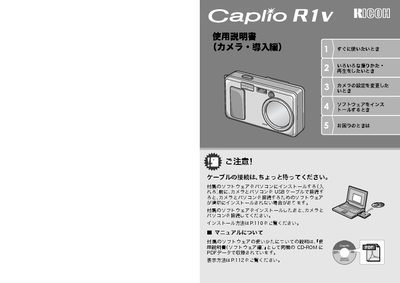
This document is the user manual for the Ricoh Caplio R1V digital camera. It covers essential topics such as camera setup, shooting modes, playback functions, and direct printing capabilities. The guide also includes instructions for installing the necessary software on Windows and Macintosh computers and provides troubleshooting information. This manual is written in Japanese.
| Lens Focal Length | 28-135mm (35mm equivalent) |
|---|---|
| Zoom Factor | 4.8x |
| Macro Focus Distance | 1cm |
| Video Resolution | 320 x 240 pixels |
| Video Frame Rate | 30 frames per second |
Do not connect the camera to the computer with the USB cable before installing the software, as this may prevent the software from installing correctly.
Yes, the flash can be used at a distance of 13cm in macro mode and 20cm in wide-angle mode.