
This product is a wireless network access device that supports 2.4GHz and 5GHz bands, supports 802.11a/b/g/n/ac protocols, and has a maximum transmission speed of 450Mbps for 2.4GHz networks and 1300Mbps for 5GHz networks.
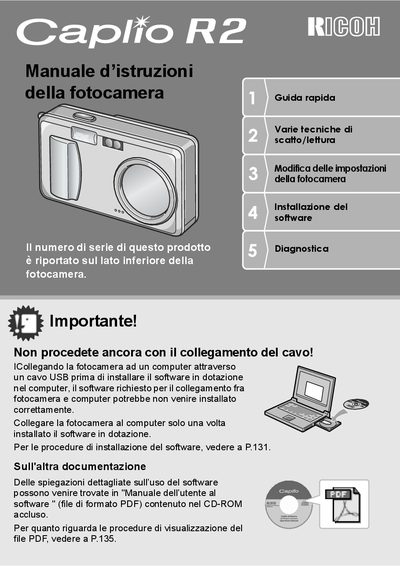
This document is the Italian Quick Start Guide for the Ricoh Caplio RZ digital camera. It provides essential instructions for initial setup, including battery installation, memory card usage, and software installation. The guide emphasizes safety precautions and the correct order of operations to ensure the camera and computer software work correctly together. This manual is written in Italian.
| Zoom equivalent | 4.8x |
|---|---|
| Focal length | 28 - 135 mm |
| Shutter delay | 0.1 seconds |
| Macro distance | 1 cm |
| Flash distance (telephoto) | 13 cm |
| Flash distance (wide angle) | 20 cm |
| Video resolution | 320 x 240 pixel |
The serial number is printed on the bottom side of the camera.
No, you must install the software first before connecting the camera via USB cable.
The camera can be powered by a rechargeable battery, AA alkaline batteries, or an AC adapter.