
Ricoh Caplio R5 Digital Camera User Manual

This document is a user manual for a camera, which introduces the basic operations and some advanced functions of the camera, including turning on the camera, taking pictures, and viewing pictures.
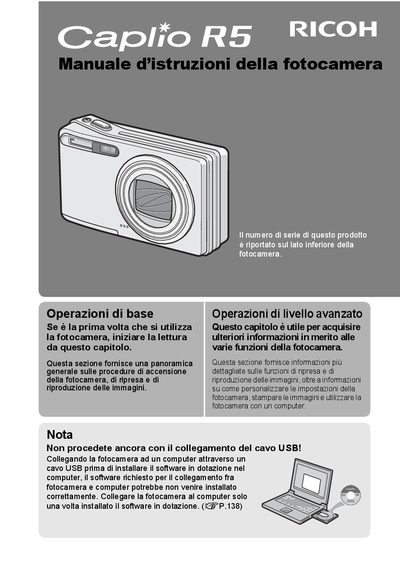

Ricoh Caplio R5 Digital Camera User Manual - cover page
Brand
Ricoh
Category
Digital cameras
Document type
User Manual
Language
Italian
Pages
191
File format
PDF
File size
3.7 MB
Published
09 July, 2012
Updated
30 September, 2023
MD5 checksum
C80DB3E922DD48A7407EB8DAF4DC3715

About this manual

This is the Italian edition of the user manual for the Ricoh Caplio R5 digital camera. It provides instructions on how to turn on the camera, take photos, play back images, and customize settings. The guide also covers connecting the camera to a computer via USB after installing the provided software. This manual is written in Italian.

What's inside

  • Prefazione
  • Uso dei manuali
  • Caratteristiche principali
  • Operazioni di base
  • Operazioni di livello avanzato
  • Precauzioni di sicurezza
  • Garanzia

Frequently asked questions

Where is the serial number located on the camera?

The serial number is printed on the bottom side of the camera.

What is the maximum telephoto focal length of the lens?

The lens zooms from 28 mm to 200 mm.

What is the shutter delay time when the button is pressed?

The shutter delay is approximately 0.1 seconds.

Download PDF (3.7 MB)

More Ricoh Manuals


View all Ricoh manuals →