
AJA KUMO 1604 & 1616 Quick Start Guide

This is a quick start guide for KUMO, introducing how to set up and control KUMO
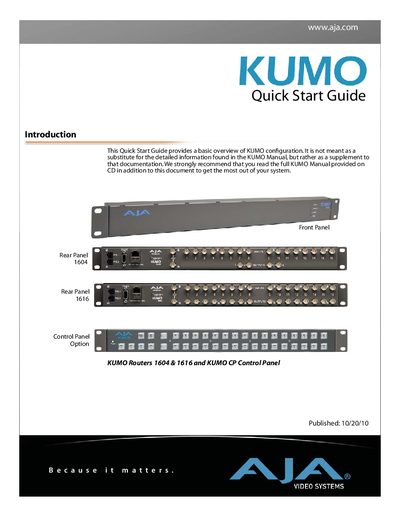

AJA KUMO 1604 & 1616 Quick Start Guide - cover page
Brand
AJA
Category
Other Electronics
Document type
Quick Start Guide
Language
English
Pages
28
File format
PDF
File size
1.8 MB
Published
09 July, 2012
Updated
01 October, 2023
MD5 checksum
A9A651BAF4865A607831ED102AD27B9B

About this manual

This document serves as a supplement to the detailed KUMO Manual, providing a basic overview of KUMO configuration. It explains that KUMO SDI routers are controlled via a web browser through either a direct Ethernet connection or a LAN connection using a hub or switch. The guide also covers the optional KUMO CP Control Panel for remote operation without a computer.

What's inside

  • Introduction
  • Front Panel
  • Rear Panel
  • Direct Connection
  • LAN Connection
  • QuickStart Setup
  • Setup and Control from a Browser on Mac OSX
  • Setup and Control from a Browser on Windows
  • Physical Equipment Setup
  • Network Configuration

Frequently asked questions

What is the default static IP address used to connect to a KUMO router?

The default static IP address is 192.168.101.1.

What subnet mask must be configured on the Mac computer to connect to the KUMO?

The Subnet Mask must be set to 255.255.255.0.

Download PDF (1.8 MB)

More AJA Manuals


View all AJA manuals →