
EVERFOCUS Color Dome Camera Operation Instructions, introducing the features, installation and operation precautions of the product
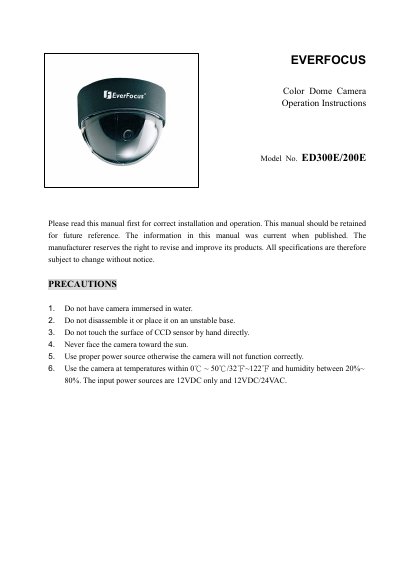
This manual provides operation instructions for the EverFocus ED300E/200E series of compact color dome cameras. These cameras feature a 1/3-inch SONY Super HAD CCD sensor and support both fixed and vari-focal lenses with manual zoom and focus adjustments. The device is designed for ceiling installation and includes features such as Flickerless, Mirror, Auto Gain Control, and Day/Night mode switching.
| Pickup Device | 1/3'' SONY Super HAD CCD |
|---|---|
| Video Format | NTSC or PAL |
| Horizontal Resolution | 380 TV Lines (ED200E) / 520 TV Lines (ED300E) |
| Sensitivity | 0.3 Lux/F=1.2 (ED200E) / 0.4 Lux/F=1.2 (ED300E) |
| Dimensions | 108 mm (O.D.) x 80 mm (H) |
| Operating Temperature | 0°C~50°C |
The camera accepts 12VDC only or 12VDC/24VAC power sources.
Loosen the zoom ring knob, turn towards 'W' to zoom out or 'T' to zoom in, then tighten the knob.
The camera switches to black and white mode when light is under 5 Lux and returns to color mode when over 10 Lux.