
This manual describes the correct installation and operation of the EVERFOCUS 560 TVL True Day/Night Indoor Vandal Color Camera.
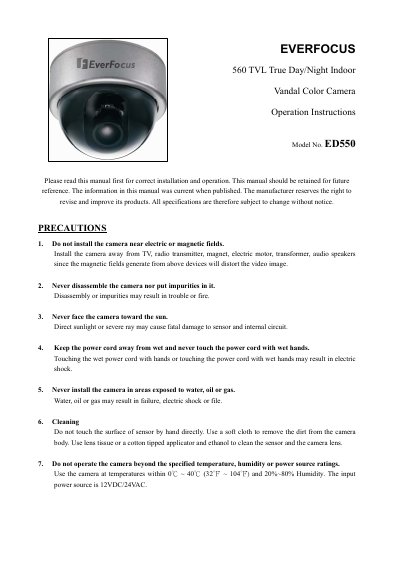
This manual provides operation instructions for the EverFocus ED550 True Day/Night Indoor Vandal Color Camera. It details precautions for safe use, such as avoiding magnetic fields and direct sunlight, and outlines the package contents including standard accessories like screws and a hexagon wrench.
The document guides users through camera setup using an On-Screen Display (OSD) menu controlled by tact switches on the back panel. Key features covered include lens adjustment, shutter control, white balance, dynamic noise reduction, motion detection, privacy masking, and image processing settings like sharpness and mirror inversion.
| Horizontal Resolution | 560 TVL |
|---|---|
| Power Source | 12VDC/24VAC |
| Operating Temperature | 0°C ~ 40°C (32°F ~ 104°F) |
| Vandal Resistance | Withstand impact of a 10 lbs sledgehammer |
Use lens tissue or a cotton tipped applicator and ethanol to clean the sensor and the camera lens.
Yes, you can use the tact switcher at the back panel to make adjustments if needed.
It enables slow shutter technology to achieve starlight super-high sensitivity.