
This is a projector user manual, which introduces the features, use methods and maintenance of the projector.
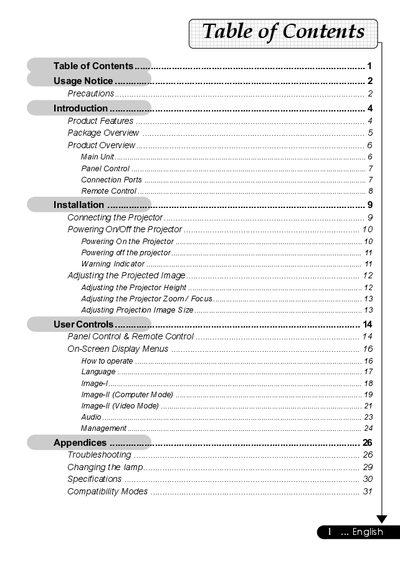
This manual covers the usage, installation, and maintenance of an Acer SVGA single chip DLP projector. It details product features such as 800 x 600 addressable pixels, compatibility with various video standards (NTSC, PAL, SECAM, HDTV), and a 200-watt user-replaceable lamp. The guide explains how to connect the projector using VGA, S-Video, and Composite cables, and how to use the panel controls and remote control.
| Resolution | 800 x 600 addressable pixels |
|---|---|
| Technology | Single chip DLP |
| Brightness | 1300 ANSI Lumens |
| Contrast Ratio | 2000:1 |
| Lamp Power | 200W |
| Weight | 4.9 Ibs (2.22 kgs) |
| Dimensions | 10.7 x 3.4 x 8.3 inches |
| Power Input | 100-240V |
Reset the 'Lamp Reset' function from the On Screen Display 'Management' menu after replacing the lamp module.
The projector is compatible with NTSC/NTSC4.43/PAL/PAL-M/PAL-N/SECAM and HDTV.
Yes, the projector is Mac compatible.