
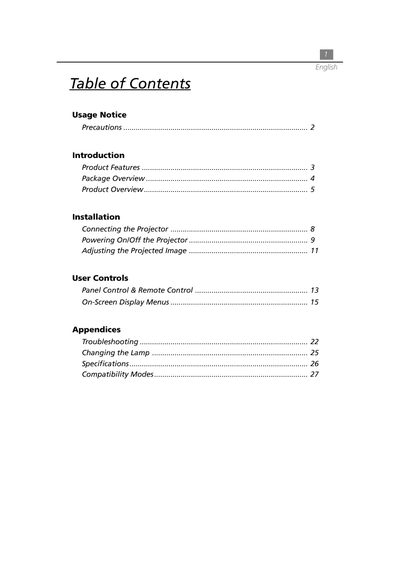
The document is a user manual for a projector, which includes precautions, product features, installation and connection, powering on/off, adjusting projected image, etc.
This document is the user manual for the Acer XGA single chip 0.7 DLP projector. It details the product features, including True XGA resolution (1024 x 768 pixels) and compatibility with various video standards such as NTSC, PAL, and HDTV. The manual covers the contents of the package, including the projector, power cord, and various cables.
| Resolution | 1024 x 768 pixels |
|---|---|
| Lamp Power | 130 Watts |
| Weight | 3.3 lbs (1.5 kgs) |
| Contrast Ratio | 500:1 |
| Power Consumption | 180 watts |
| Projection Screen Size | 20"~300" Diagonal |
The lamp will burn out and may make a loud popping sound, and the projector will not turn back on until the lamp module is replaced.
The projector operates between 10°C and 40°C (50°F to 104°F).
Yes, the projector is compatible with Mac/NEC PC-98/FM Towns systems.