
This document is about the user manual for a certain brand and model of projector, which introduces the characteristics and features of the projector, as well as how to connect, turn on and off, and adjust the projected image.
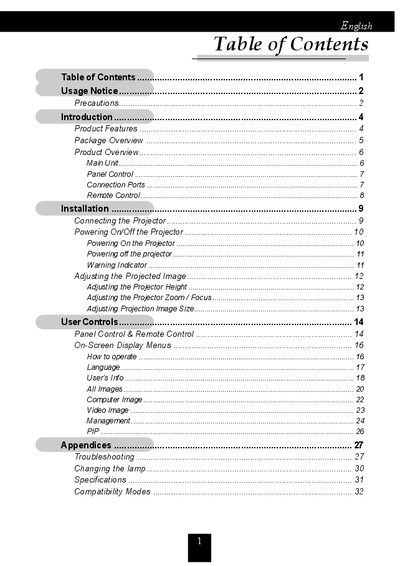
The document serves as a comprehensive guide for the Acer XGA single chip 0.7" DLP projector. It details product features such as True XGA resolution (1024 x 768), compatibility with NTSC/PAL/SECAM and HDTV, and a compact design weighing 2.1 lbs. The manual covers setup procedures including connecting the projector to various signal sources like VGA, S-Video, and Composite video.
| Resolution | 1024 x 768 addressable pixels |
|---|---|
| Technology | Single chip DLP™ technology |
| Weight | 2.1 lbs (1 kg) |
| Lamp Power | 120 watt user replaceable P-VIP lamp |
| Displayable Colors | 16.7M colors |
| Projection Screen Size | 27.6 to 267.2 inches (0.70 to 6.79 meters) Diagonal |
| Power Supply Input | Universal AC input 100~240V ; Input Frequency 50-60Hz |
The projector supports NTSC/NTSC4.43, PAL, PAL-M, PAL-N, SECAM, and HDTV.
Reset the 'Reset Lamp Hours' function from the On Screen Display 'Management' menu.
The projector operates in temperatures between 41~95°F (5~35°C).