
This user's manual introduces the basic functions and operating methods of the M500 projector.
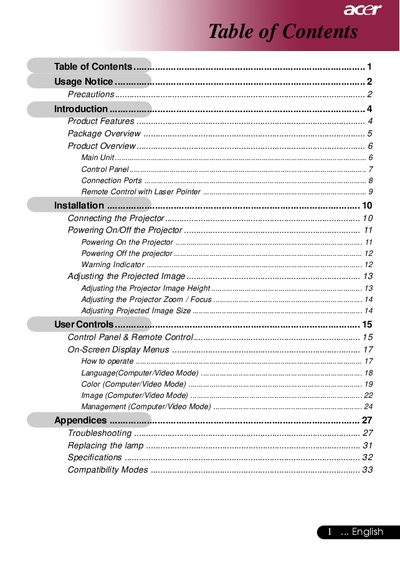
This document is the user manual for an Acer XGA single chip 0.7" DLP projector. It provides instructions on safety precautions, package contents, and product features such as True XGA resolution and compatibility with various video standards. The guide details how to install the projector, connect signal sources, and operate the control panel and remote control.
| Resolution | 1024 x 768 |
|---|---|
| Technology | Single Chip DLP |
| Contrast Ratio | 1860:1 |
| Noise Level | 38 dB(A) |
| Power Supply | 100-240V |
| Weight | 2.3 lbs |
Do not look into the lens when the lamp is on, do not expose the product to rain or moisture, and do not open or disassemble the product.
Reset the 'Lamp Hour Reset' function from the On Screen Display 'Management' menu.
It supports NTSC3.58/NTSC4.43/PAL/SECAM and HDTV compatible modes (480i/p, 576i/p, 720p, 1080i).