
This user manual introduces the features, installation, use, maintenance and other contents of a certain brand and model projector, including operation methods, troubleshooting, etc.
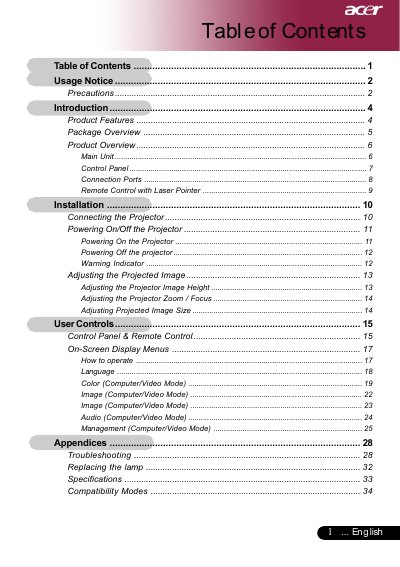
This user guide covers the Sony X900H projector, detailing its features such as SVGA resolution, single-chip DLP technology, and compatibility with various video standards. It includes instructions on connecting the projector to computers and other devices, operating the control panel and remote, and navigating the on-screen display menus.
| Resolution | 800 x 600 pixels |
|---|---|
| Technology | Single Chip DLP |
| Contrast Ratio | 2000:1 |
| Lamp Power | 200W |
| Weight | 5.4 lbs (2.4 kgs) |
| Dimensions | 10.9 x 4.2 x 9.3 inches |
The projector will display a reminder message, and you should change the lamp as soon as possible.
You must allow the projector to cool down for at least 30 minutes before changing the lamp.
The projector will display a warning message and the lamp will automatically turn off soon.